
How to Configure Player Segments and Action Groups
In the Alliance section of the Fast Track Backoffice, create your various segments, including the players you would like to include or exclude in your Unibo campaigns.
This is also where you set up the Action Groups that you want to use in Unibo. Once a player is entitled to win a prize from a Unibo Campaign, we will trigger the action group selected during the campaign creation.
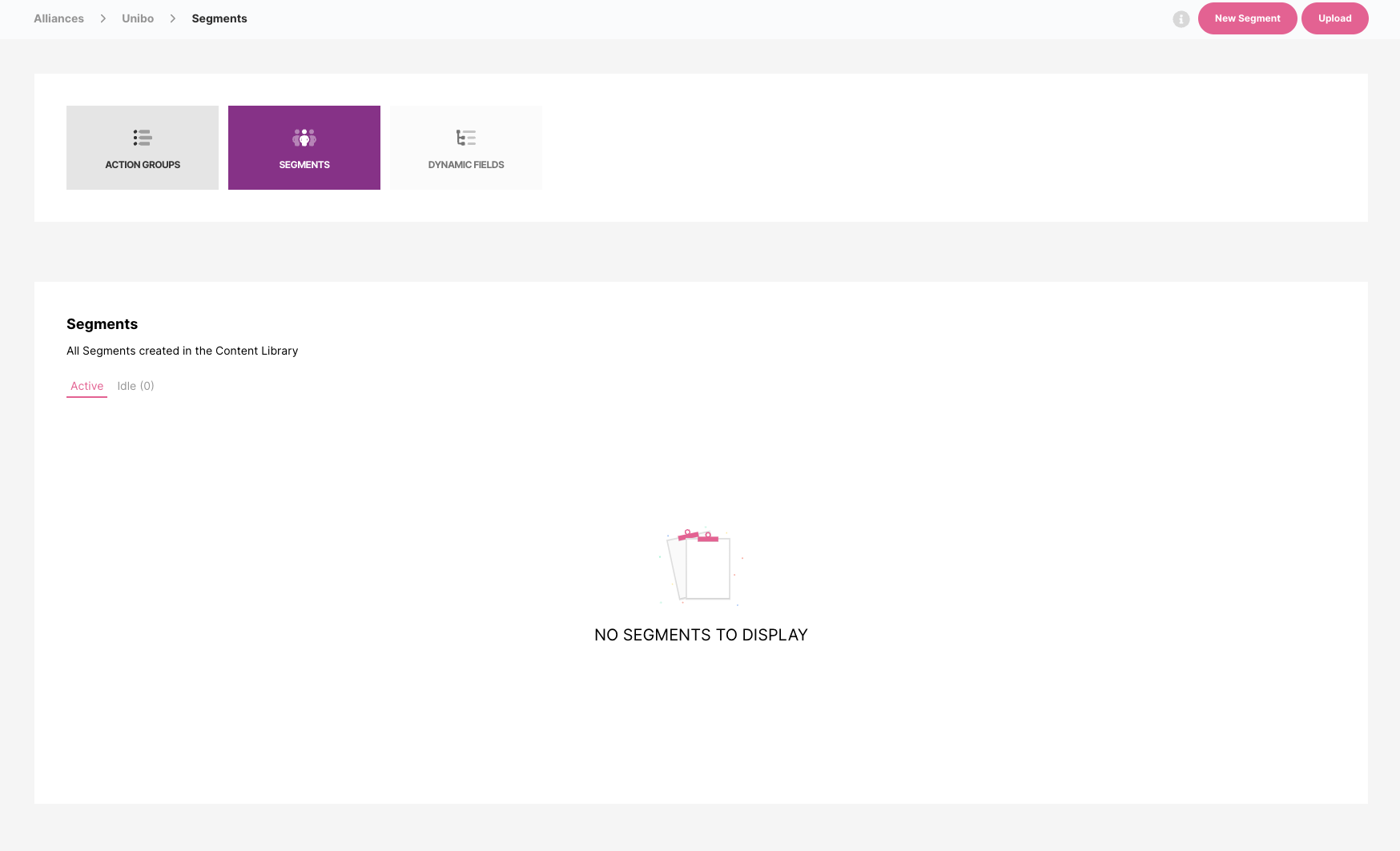
Action Groups can include rewards (Bonus, Cash, Free Spins, etc.) as well as Communications (emails, sms, onsite notifications, etc.).
Only segments from the Unibo Alliance Area in Fast Track will be available in your Unibo Back Office during campaign creation.
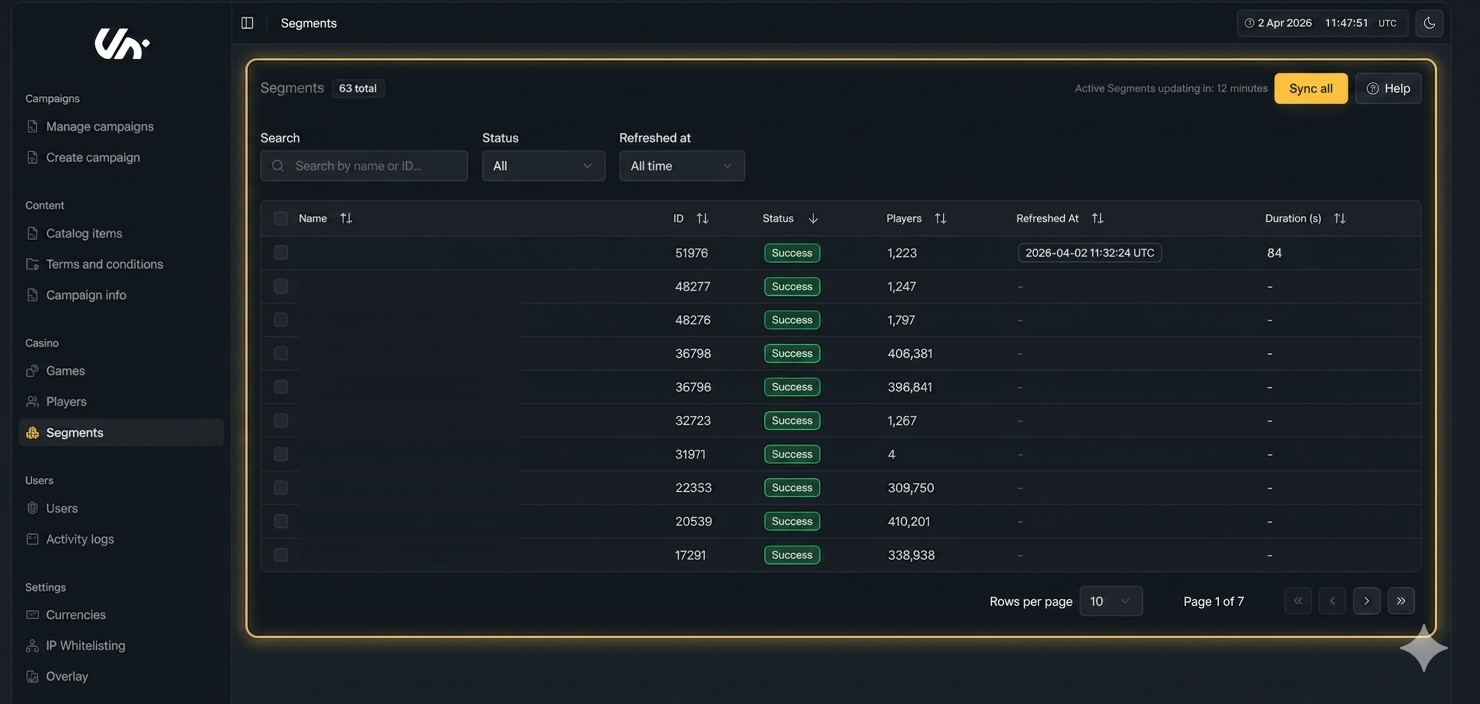
You can refresh segments directly from your Back Office using the Sync button, either globally or for specific segments.
Quick notes:
Segments are synced from FastTrack and cannot be edited in Unibo
Active segments are auto-refreshed every 30 minutes
You can monitor sync status (In Queue, In Progress, Success, Failed) directly in the BO