
How to Create a Mission Campaign
A Mission Campaign in Unibo engages players through a series of missions, each made up of multiple tasks. Players can earn rewards as they progress, promoting continued participation and retention.
Create Campaign
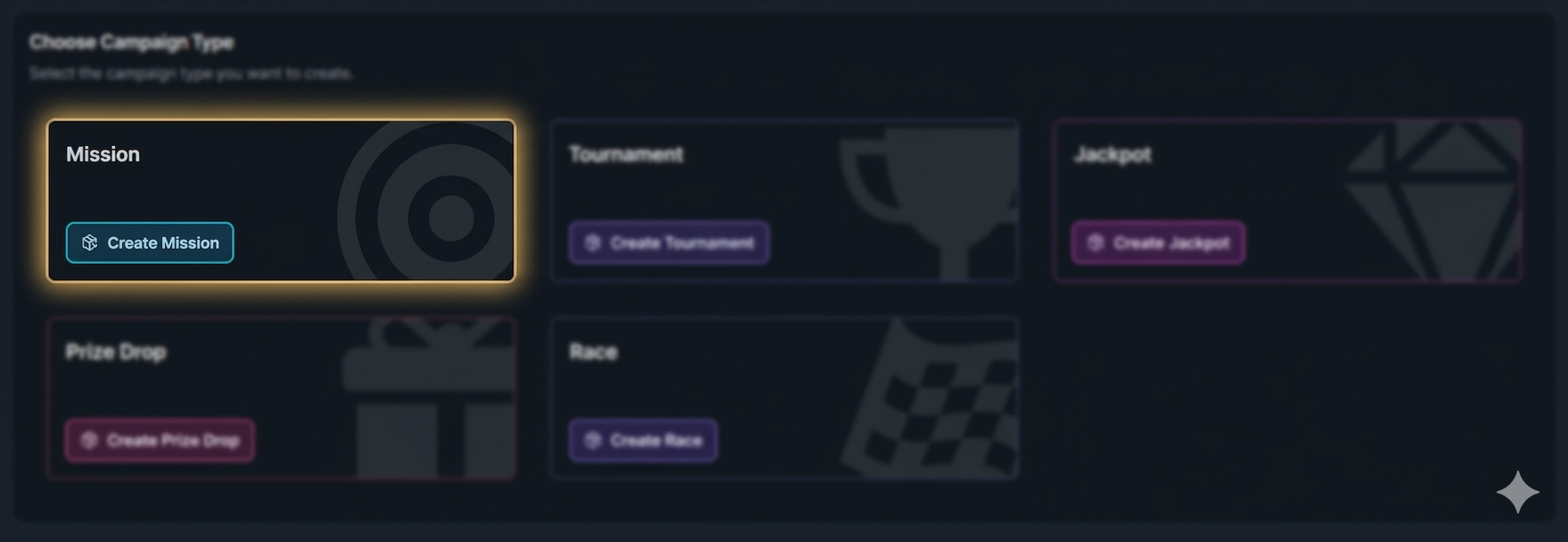
Click the button "+ Create Campaign" and choose the type 'Mission'.
General Settings
Set the campaign’s start and end dates, select games, and define bet requirements. For more information about campaign General Settings, click the button below.
Mission Settings
For each mission, you can configure:
Mission flow – Decide whether tasks inside the mission must be completed in order or can be completed freely.
Repeatability – Set whether the mission can be repeated and how many times players can complete it.
Mission Tasks
Each mission is made up of tasks, which are the actions players must complete to progress.
Deposit Task – track deposits made by players.
Turnover Task – track total bet amount placed.
Play Task – track the number of spins completed.
Single Wins Task – track the total number of wins.
Win Multiplier Task – track wins that reach at least X times the bet amount.
Wins in a Row Task – track consecutive wins.
To add a task and configure its details, click the “Create New Task” button.
For full guidance on objectives and task setup, see How to Define Objectives and Tasks for a Mission Campaign
Mission Prizes
Decide whether prizes should be given after completing the full mission or for completing individual tasks. Click the “Add Prize” button to configure prizes for your mission.
Available prize types include:
Free Spins – offer spins on selected games.
Catalog Items – give physical items from your catalog.
Cash Prizes – award direct cash rewards.
Deposit Bonus – grant a deposit match bonus that gives a percentage of the player’s deposit as a reward.
Bonus Money – add general bonus credits to the player’s account.
Player Selection
Define who sees your campaign. You can segment by activity, demographics, engagement, and more. For more information about how to add players to a campaign, click the button below.
Content
Include campaign details, visuals, and terms and conditions.
For more information about how to add content to a campaign, click the button below.
Overview
Double-check all settings, content, and player targeting to ensure the campaign is ready and publish it.
In-Game Widget
After the campaign is published and activated, players will see the overlay displayed as follows.
Tip: Looking to take your Missions further?
Learn how to create a Progressive Mission campaign to guide players through multiple stages and increase long-term engagement → [How to create a Progressive Mission campaign]