
How to Configure Player Opt-In Methods
When creating or editing a campaign, in the General tab under Settings, users can manage the opt-in methods, which determine how players join the campaign.
Manual Opt-in
Players actively choose to join a campaign via the campaign overlay. They must click to participate.
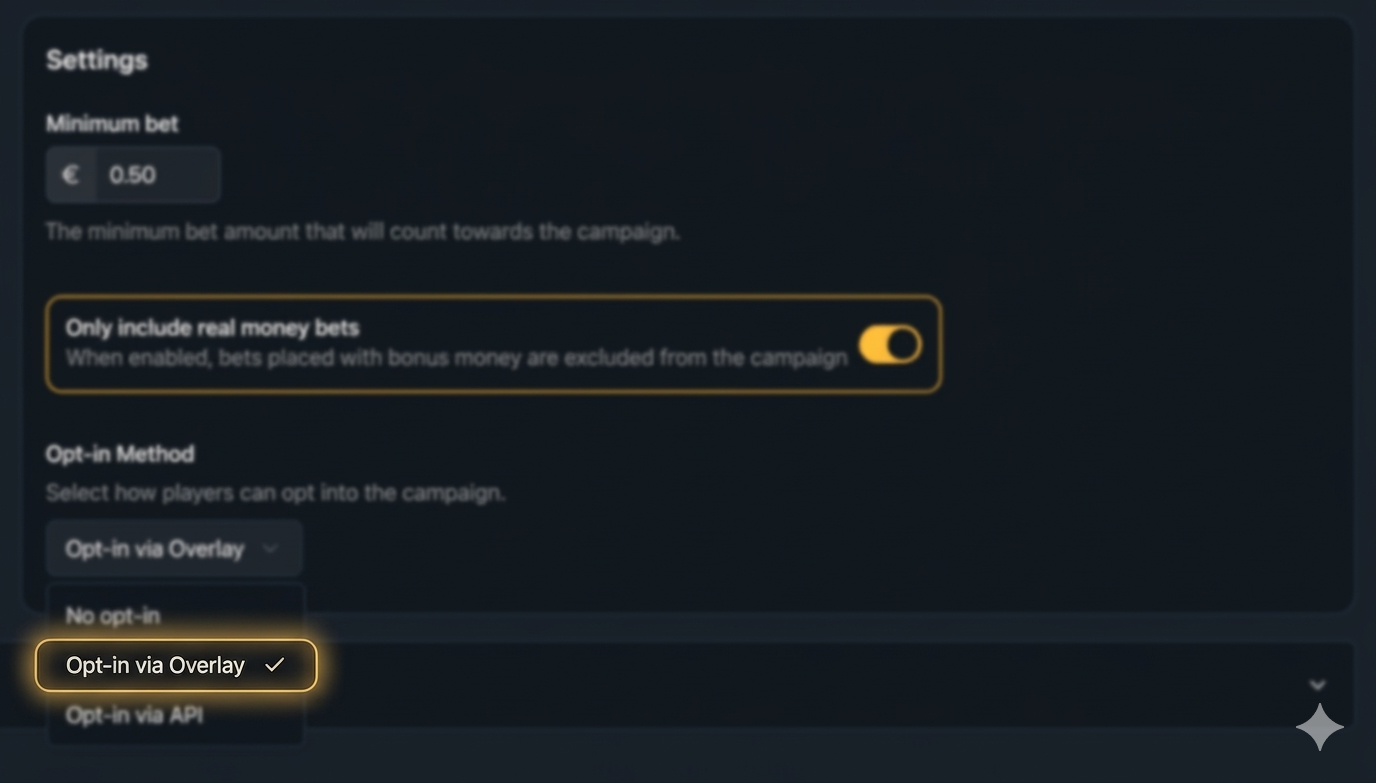
Use Manual Opt-In to collect detailed participation metrics, helping you understand player engagement and preferences. It can also be used to invite players to other campaigns based on whether they joined or not.
No Opt-in
Players are automatically enrolled in the campaign without any action.
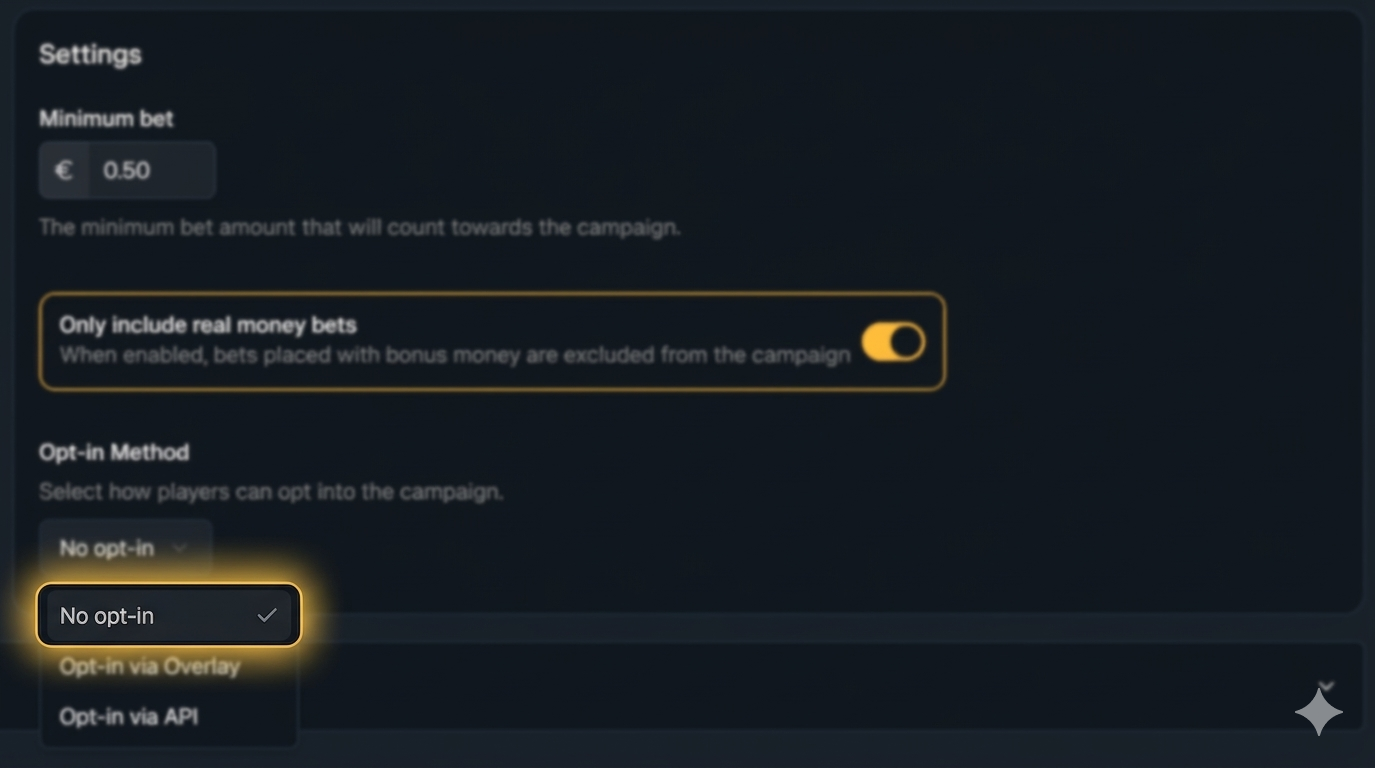
Useful for maximising engagement with minimal friction. However, since players are automatically enrolled, you won’t collect metrics on who actively chooses to participate, which can make it harder to measure campaign appeal or preferences.
Opt-In via API
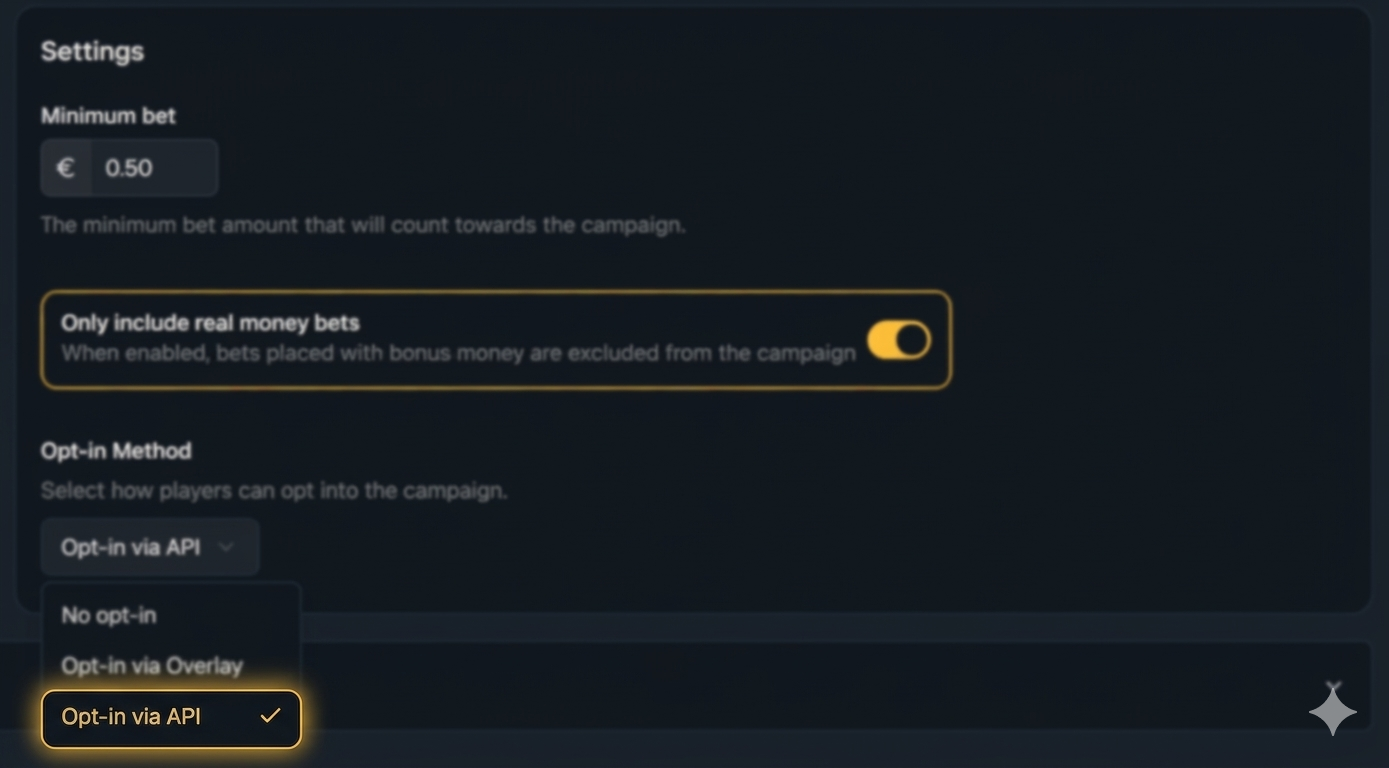
Players can join a campaign using a special link or button outside the overlay, such as on a website, email, or SMS. This allows campaigns to be shared and opted into easily, without requiring players to interact with the overlay first.
How it Works
Get Your Brand Credentials
Contact our Unibo Team to receive your unique credentials. These are needed to connect your system with the API.
Authenticate
Use the credentials to log in and get an access token. This token is required to make API requests and keeps your system secure.
Opt-In Players
With the access token, your system can register players for a campaign by sending the player’s ID and the campaign ID.
The campaign remains hidden until the player opts in via the API. Once successfully opted in, the Unibo overlay appears next to the game for that player.