
Fast Track
Some customers use Fast Track integration to enable Unibo iGamification. Their integration guide is available here (link).
In the Integration guide we describe what's needed to fully enable Unibo for your platform and/or website. Below is a list of how the four key deliverables are realised using the FastTrack iGaming solution for CRM.
✅ Real time events to be integrated
Casino Events or Gamerounds
Payment (deposits)
Player (account updates)
Game Updates (Unibo specific)
✅ Other functionality
Bonus Crediting
Credit Bonus
Credit Bonus Funds (for jackpots)
Communication channels (Email, SMS, Notifications) integrated (Optional for Unibo)
✅ Overlay
In addition to this, the overlay needs to be enabled on the website as described in the Overlay docs.
👫 Configuring Player Segments and Action Groups
In the Alliance section of the Fast Track Backoffice, create your various segments including the players you would like to include or exclude in your Unibo campaigns. Segments are synced upon Campaign Start and continuously every 15 minutes.
This is also where you set up your Action Groups that you want to use in Unibo. Action Groups can include rewards (Bonus, Cash, Free Spins, etc.) as well as Communications (emails, sms, onsite notifications, etc.). Once a player is entitled to win a prize from a Unibo Campaign, we will trigger the action group selected during the campaign creation.
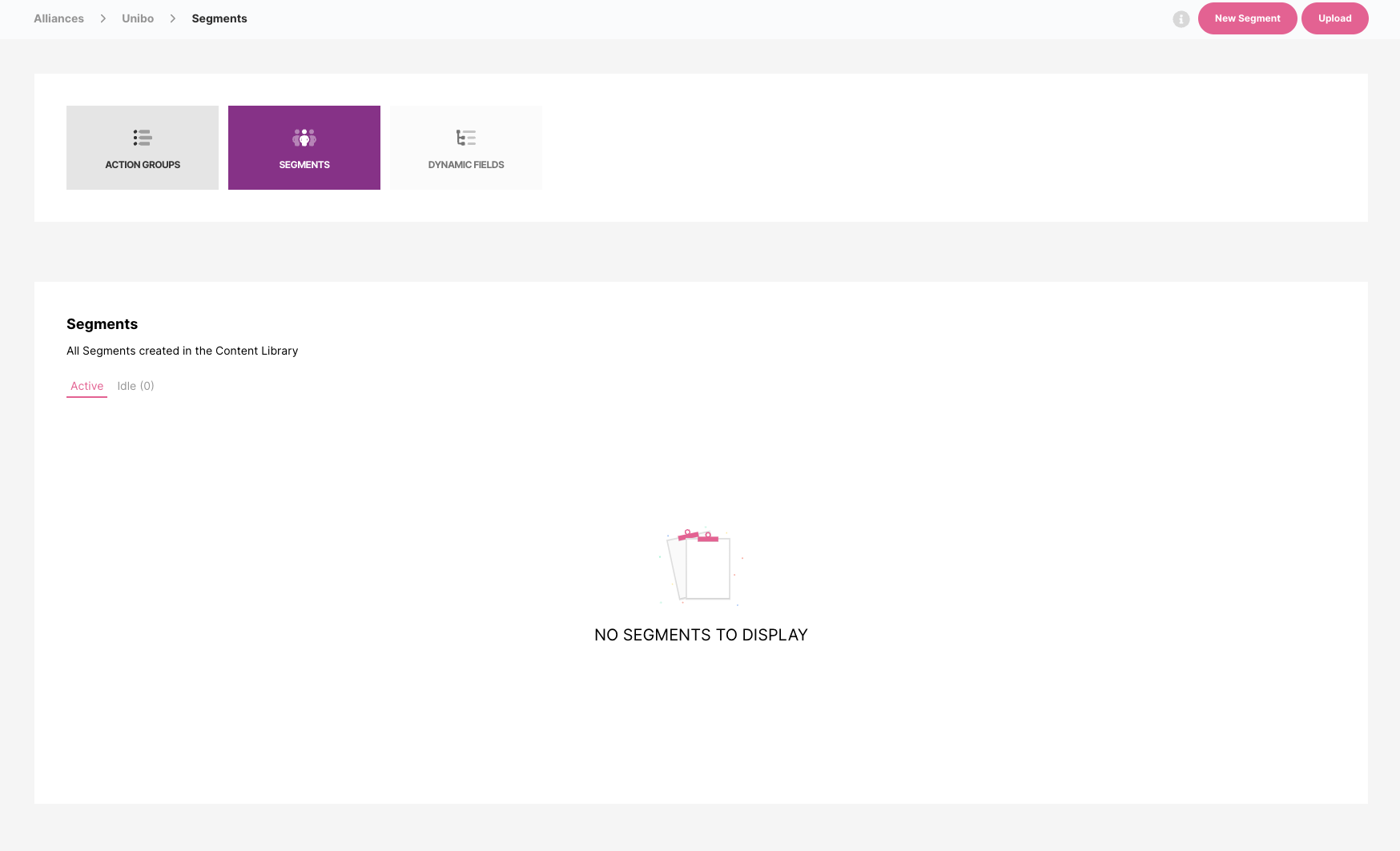
Only segments from the Unibo Alliance Area in Fast Track will be available in your Unibo Back Office during campaign creation.
🎲 Configuring Game updates
🎰 Configuring Jackpot Payouts
Steps that needs to be done to enable it.
In the Alliance area in the back-office, navigate to
Dynamic Fieldsand pre-define all fields such asamountthat will be sent by Unibo in the credit request
these fields will then be used in the Amount field of the Credit Bonus Funds action as
#amount#we only need to configure dynamic fields for data that should be replaced in the bonus creation
Create an Action Group in the Alliance area and click the tickbox
Create unique slugand name the slug tojackpot. This will be used for all jackpot crediting /slug/jackpot endpoint
Add the Credit Bonus Funds action with the relevant jackpot bonus details. Make sure the Amount field will use#amount#Once everything is configured and activated, we should run an end-to-end test by having Unibo trying to send a request for a low jackpot amount for any test user to make sure everything is credited end-to-end
Example of a Jackpot payout message
data: {
	amount: 10.0,
	campaign_name: 'Brand Jackpots Campaign',
	currency: 'EUR',
	jackpot_title: 'Daily Jackpot'
}